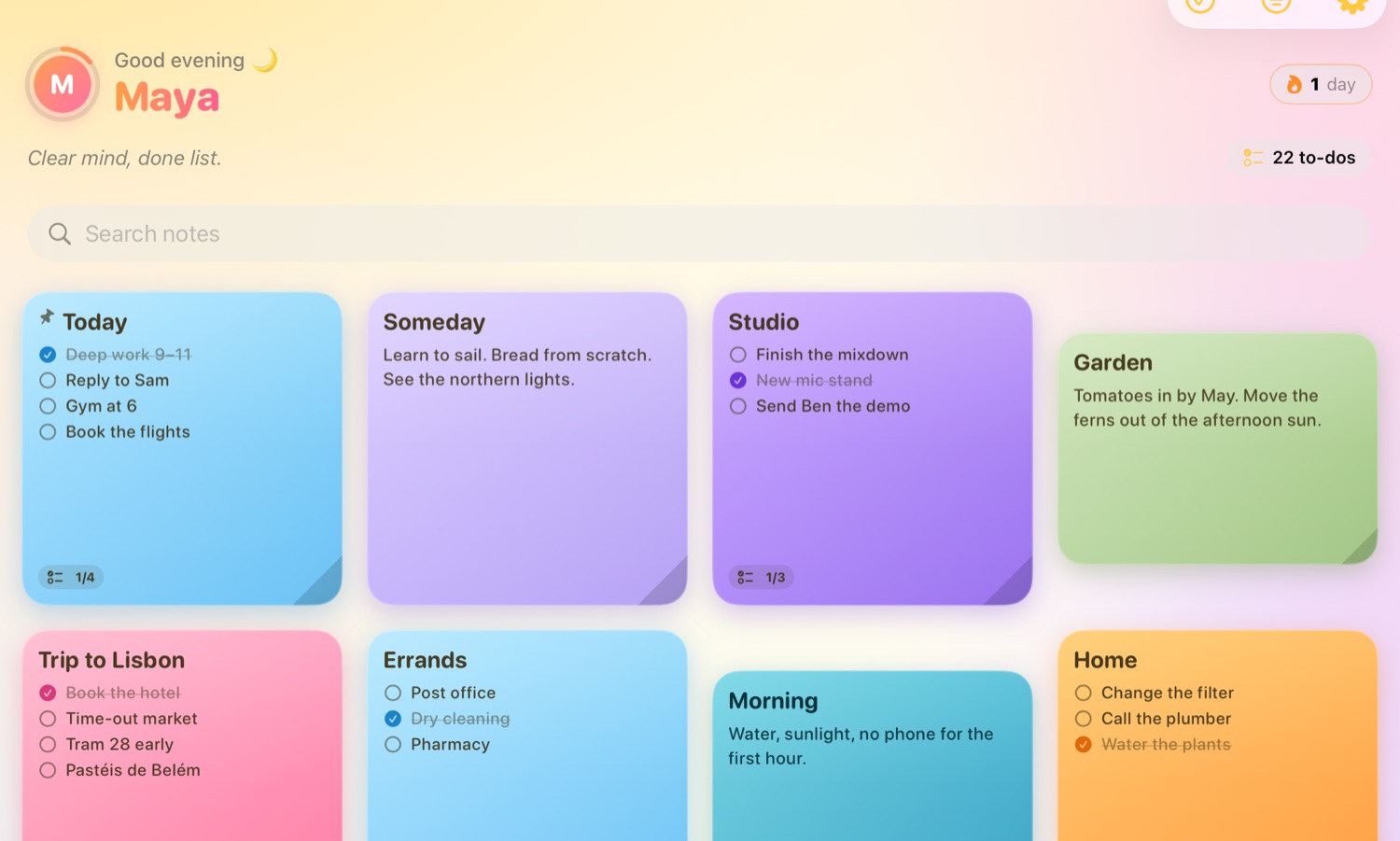
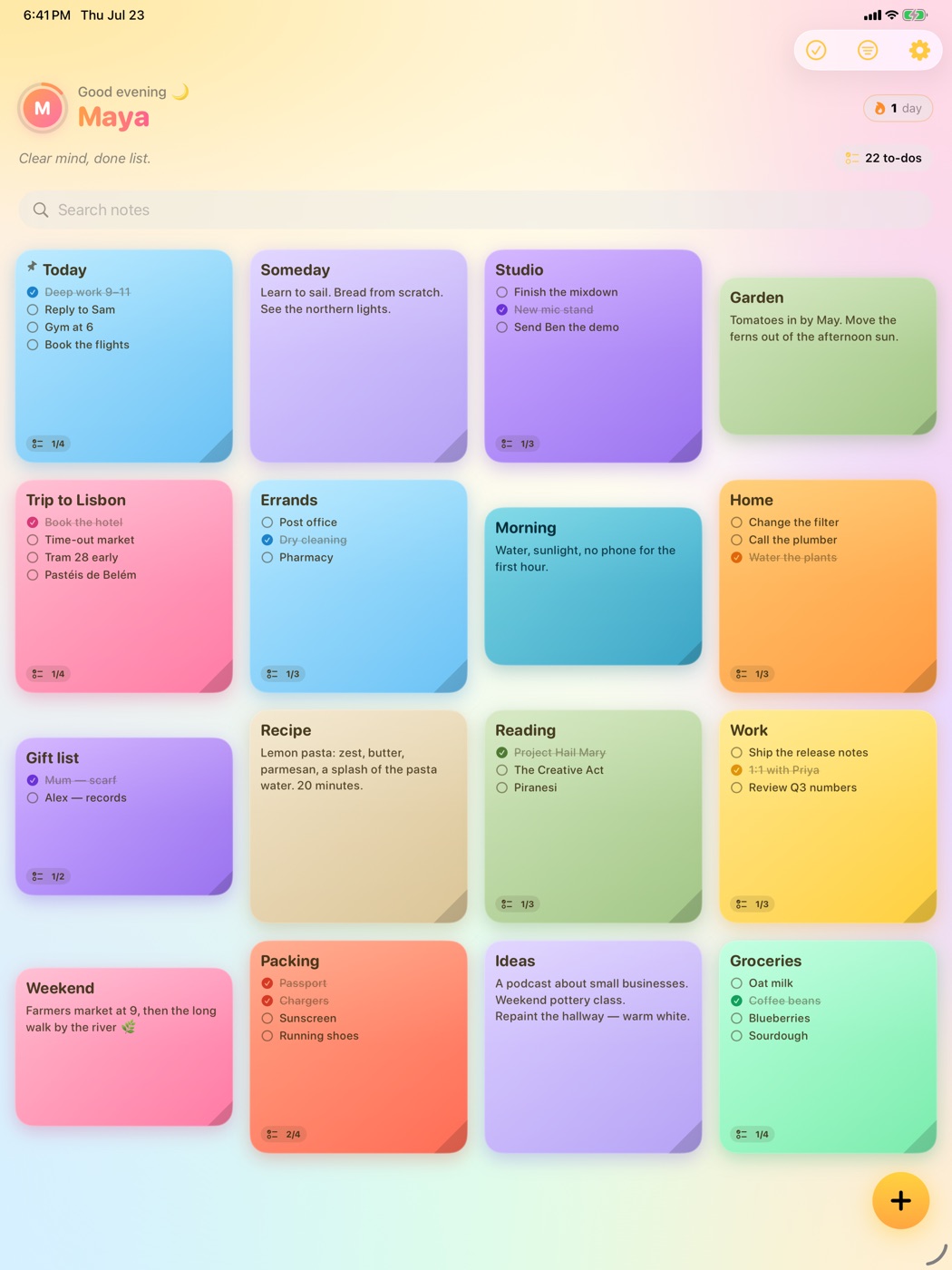
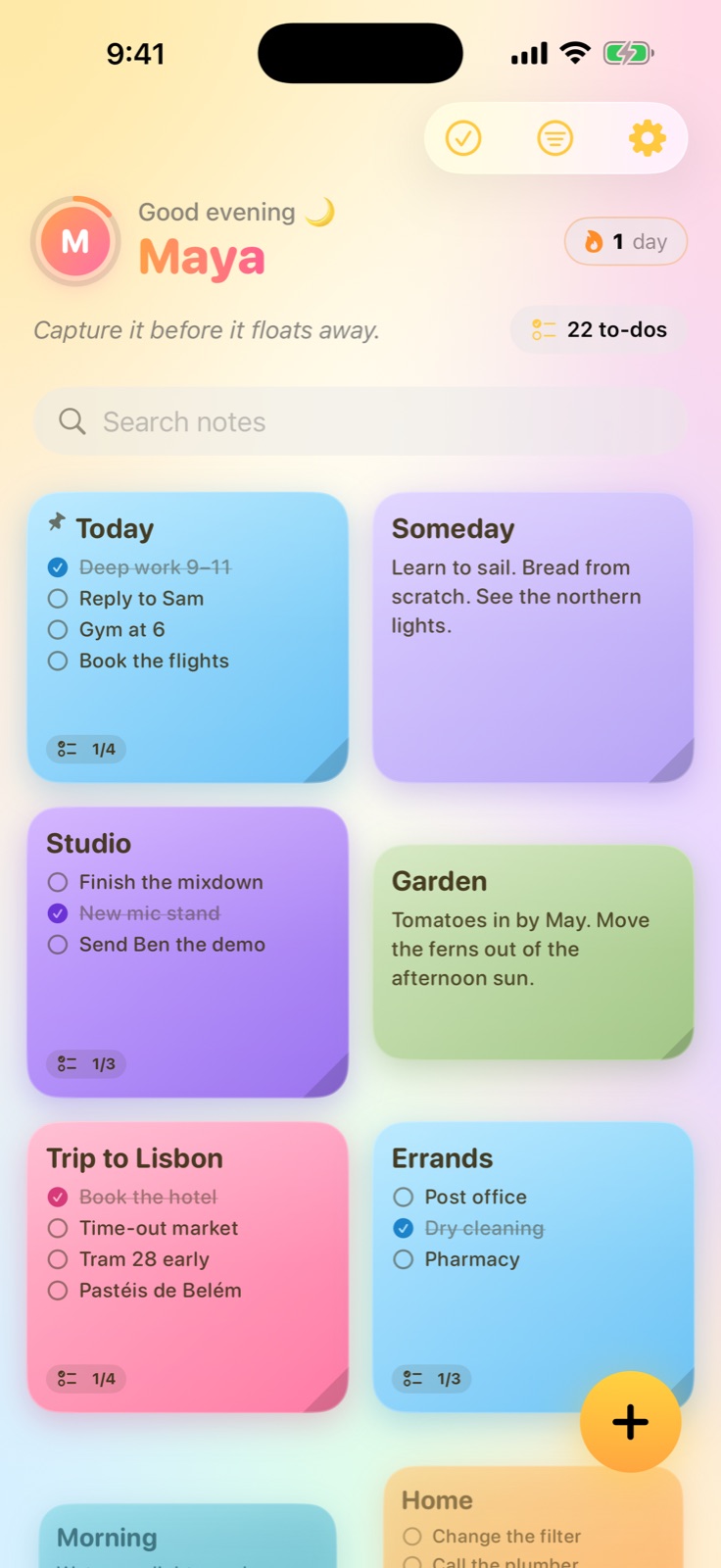
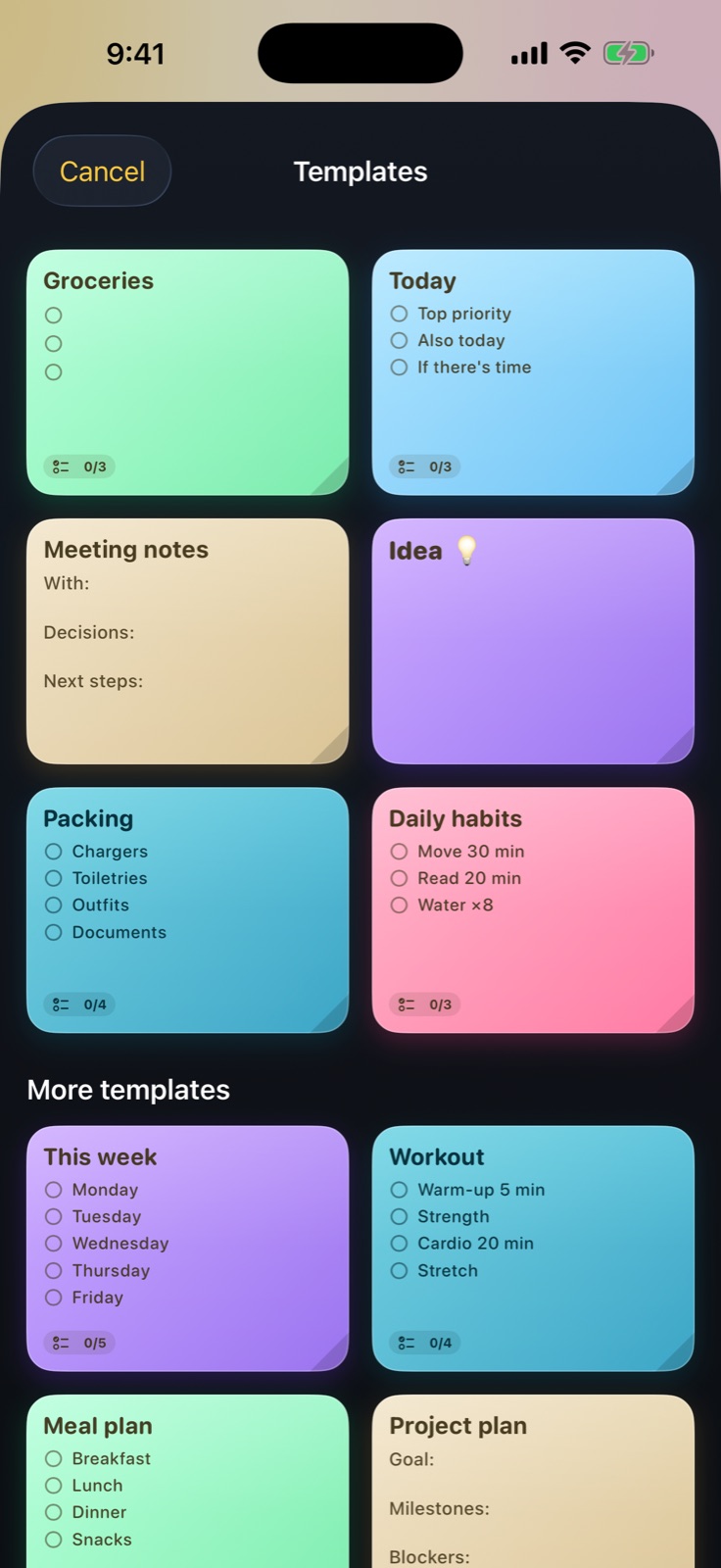
Twenty-one hand-crafted templates — groceries, packing, meeting notes, workouts, meal plans, project plans — pre-filled and ready to make yours.
✓6 everyday templates, free forever
✓15 more with Premium
✓Every one fully editable
04
Make it yours
Every note, exactly your vibe.
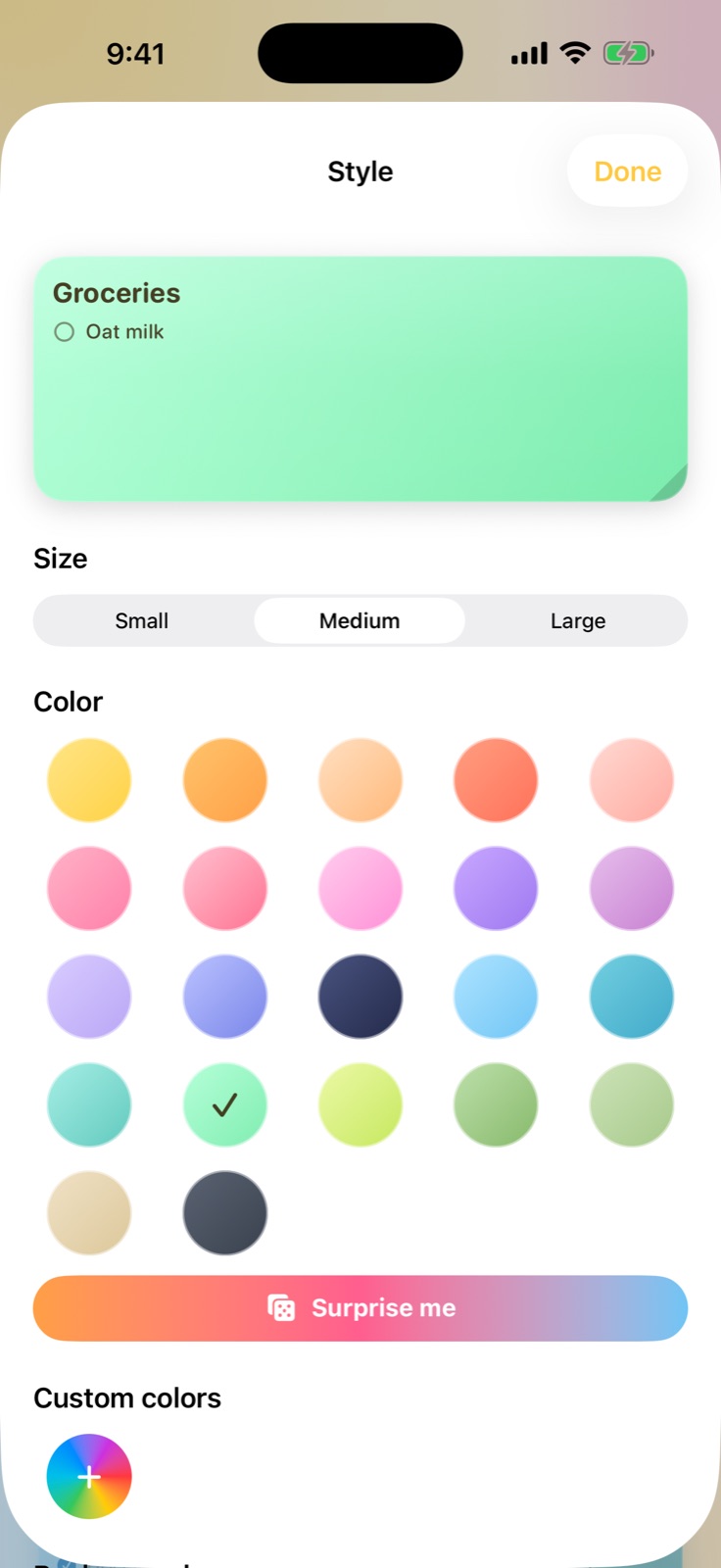
Twenty-two colors plus custom shades, eighteen fonts, patterns, photo backgrounds, even finger & Apple Pencil drawing. Your board should look like you.
✓22 colors + a full custom color wheel
✓Photos, patterns & drawings on any note
✓Alternate app icons to match your Home Screen
05
Everywhere you are
Pocket to wrist, in sync.
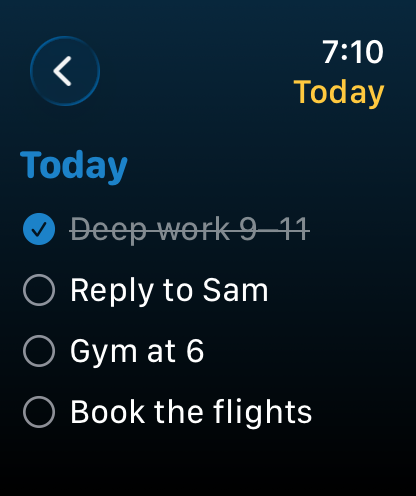
Add milk on your iPhone and it appears on your watch as iCloud syncs. Your board stays private in your own iCloud across iPhone, iPad, Mac, and Apple Watch.
✓Phone ↔ watch sync
✓Made for iPad and Mac too — not just a bigger phone screen
✓Your notes never touch our servers
Groceries
Oat milk
Coffee beans
Blueberries
Groceries
Oat milk
Coffee beans
Blueberries
Try it — tap an item on the phone. It lands on the wrist. Every time.
Pricing
The free tier isn’t a trial.
Seven notes and the core widgets, free forever — no countdown, no nag screens, no card on file. Upgrade when Peel has earned it.
🎁 7-day free trial on monthly and yearly
Yearly
$14.99/year
✦ Everything in Premium
✦ ~37% off monthly
✦ Works out to $1.25 a month
Most popular
Monthly
$1.99/month
✦ Unlimited notes
✦ All 22 colors + custom shades
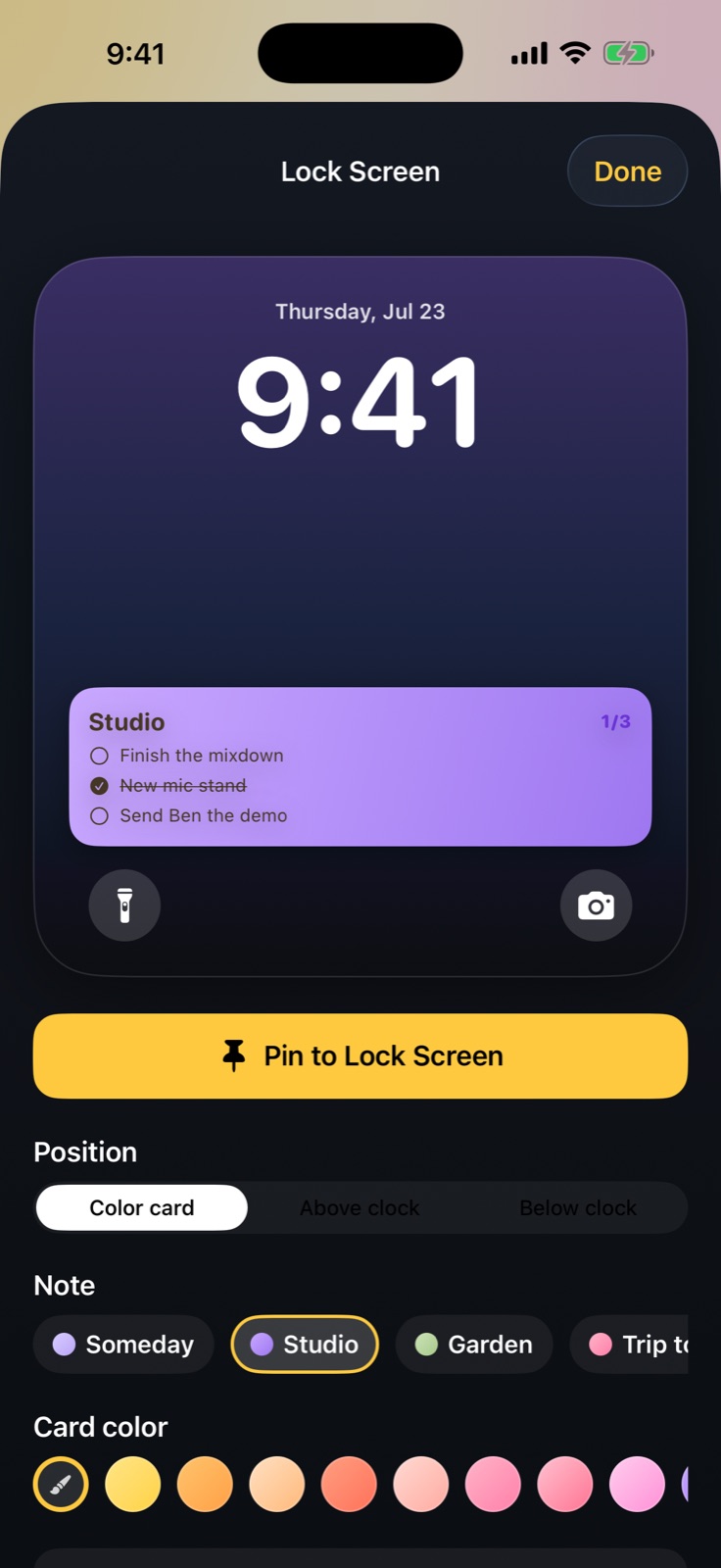
✦ Every widget & Lock Screen card
✦ All 21 templates
Lifetime
$34.99 once
✦ Pay once, keep forever
✦ Every future feature included
✦ Zero subscriptions
Peel it. Stick it. Get it done.
Join the launch — Peel lands on the App Store soon, free to try.
The whole point
Builtforwhoyou’rebecoming.
Peel isn’t really about notes. It’s about becoming the kind of person who finishes what they start — one little sticky at a time.